Skip to content
A little charge. A world of possibilities.
NewsContact usLog inSign up ↗
EV-Lectric
Plan a TripEV DriversBusinessEV GearResourcesCompany
Find a charger
EV-Lectric

A little charge. A world of possibilities. Find your next charging stop, get to know your EV, and enjoy the road ahead.

Drivers

Find ChargersHow It WorksEV GearGuidesNews

Businesses

For BusinessesAdvertiseList Your ChargerAboutContact

Legal

Privacy PolicyTerms of ServiceCookie PolicyAffiliate DisclosureData Sources

Account

My DashboardSign InCreate Account

As an Amazon Associate, EV-Lectric earns from qualifying purchases. Some links on this site are affiliate links — see our affiliate disclosure.

© 2026 EV-LectricCharging data by Open Charge Map ·
Home/Guides/How to Find EV Chargers Near You
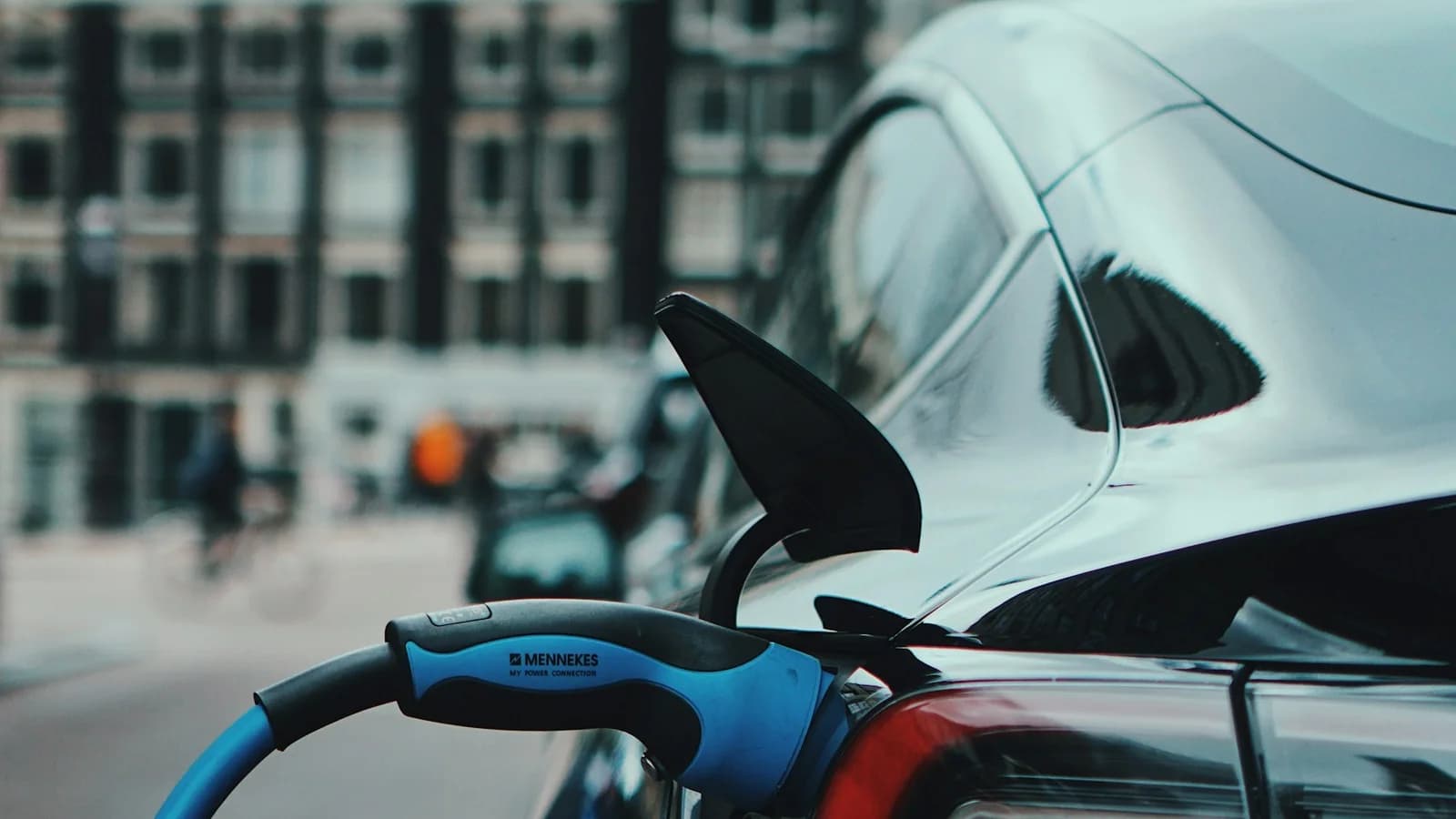
An electric car connected to a blue charging cable on a city street.
Photo by Precious Madubuike on Unsplash
Charging BasicsJuly 3, 20266 min read

How to Find EV Chargers Near You

Finding a charger is easy. Finding one that works, fits your connector, and charges at the speed you need takes slightly more strategy. Here's a simple routine that makes public charging far more predictable.

Start with the right filters, not the nearest pin

The closest charger on the map is often the wrong one. Before you drive anywhere, filter by the two things that actually determine whether a stop succeeds: connector type and charging speed. A CHAdeMO-only station is useless to a CCS car, and a 3 kW destination charger won't help when you need 200 km in 25 minutes.

In the EV-Lectric locator, set your connector (NACS, CCS, Type 2, or CHAdeMO) and a minimum power level first. Everything left on the map is a genuine candidate.

Read the station detail before you commit

Open the station card and check three things: the network operating it, the number of connectors, and the access notes. A single-plug station means a queue risk; a station marked as customer-only parking may require a purchase or hotel stay.

Keep in mind that station listings come from public registries such as Open Charge Map. They describe what is installed — location, connectors, power, operator — but they can't always tell you whether a plug is free or working at this exact moment.

  • Network — tells you which app or payment method you'll need, and who to contact if a plug fails.
  • Connector count — more plugs means less waiting and a fallback if one is out of service.
  • Access — public 24/7, business-hours only, or patrons-only.
  • Recent status and comments — recent check-ins from other drivers are a useful (if imperfect) signal that a site is working.

Have a plan B within ten minutes

Even on reliable networks, individual plugs fail. Before relying on any fast-charging stop — especially on road trips — identify a backup station within a ten-minute drive. If the map shows only one fast charger within range, treat your arrival state of charge as your safety margin and charge earlier than you strictly need to.

Save the stations that work

When a stop goes smoothly — plugs available, sensible pricing, decent amenities — save it. A short personal list of proven chargers around your home, workplace, and frequent routes beats re-researching every trip. EV-Lectric accounts include saved stations and route drafts for exactly this.
FAQ

Common Questions

What's the fastest way to find a charger near me right now?

Open the EV-Lectric locator, tap "Near Me", and filter by your connector type. Results are fetched from the Open Charge Map registry when you search and show power level, network, and connectors, with directions to each site. Live plug-by-plug availability isn't guaranteed for every network, so check the operator's app if you need to know whether a stall is free right now.

Why do some chargers on the map not work when I arrive?

Station registries can lag reality — hardware fails, sites close, or networks change. Prefer stations with multiple plugs, check recent status, and always keep a backup station within a ten-minute drive.

Do I need an app for every charging network?

Increasingly no. Many networks now support plug-and-charge or contactless payment. For networks that still require an app, install it before the trip — cell coverage at charging sites isn't guaranteed.

Recommended Gear

Gear That Pairs With This Guide

As an Amazon Associate, EV-Lectric earns from qualifying purchases.

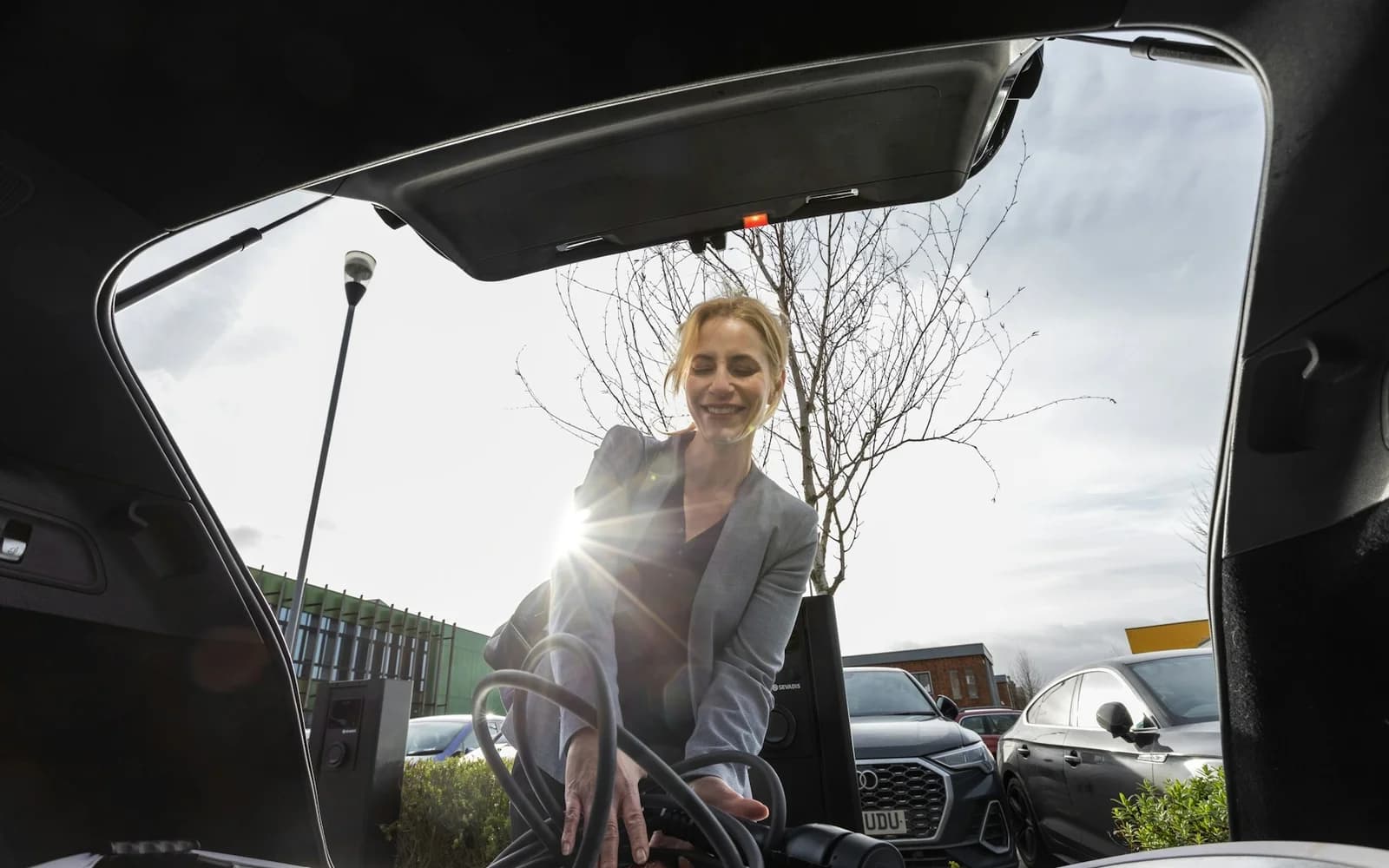
Category photo: A driver packing a charging cable into the trunk of her car.Category photo
Road Trip Gear

Portable EV Charger Carry Case

A travel-friendly storage option for portable EVSE gear, adapters, and gloves when charging on the road.

Price on AmazonView product
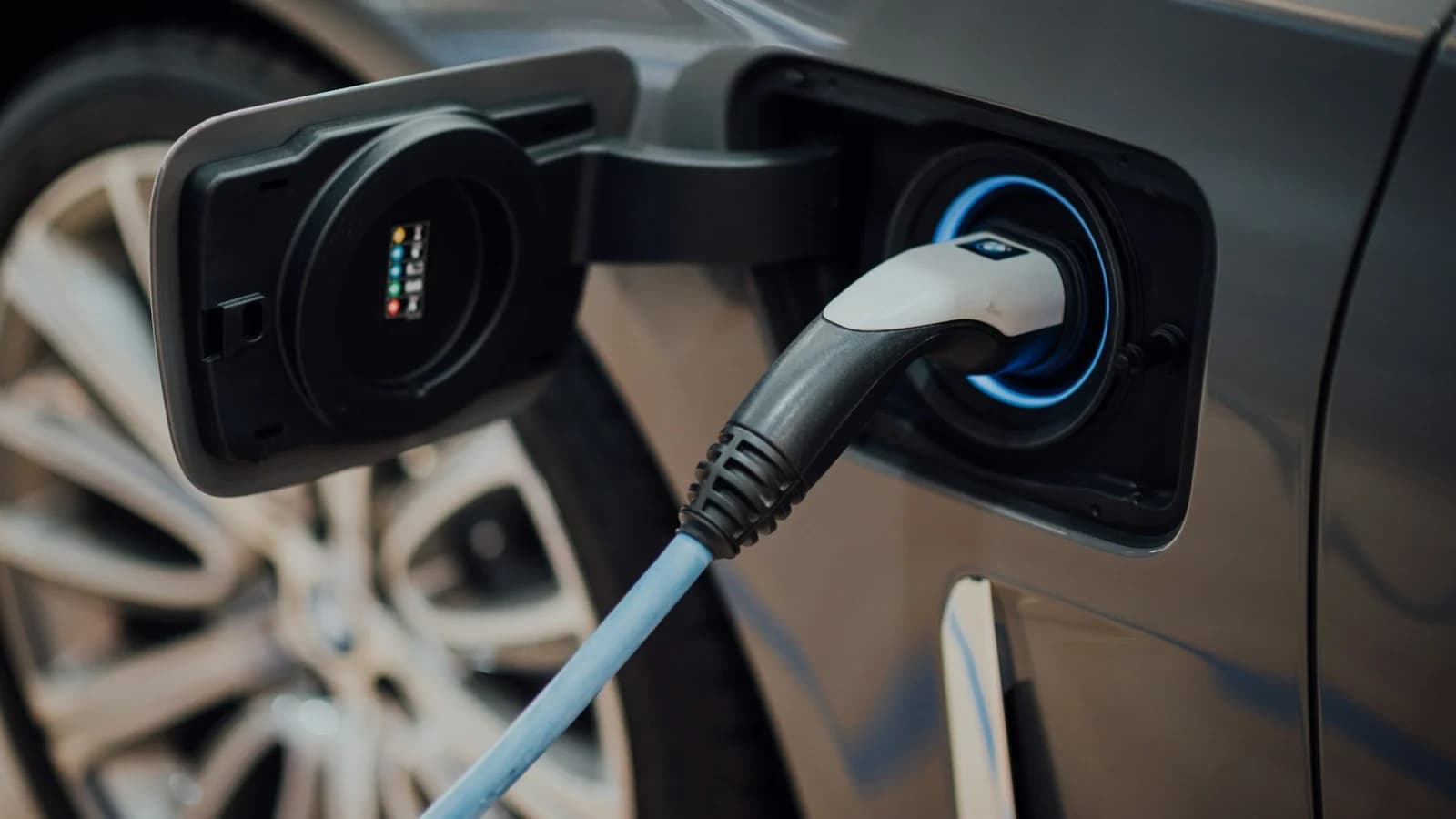
Category photo: A close-up of a charging connector and cable plugged into an electric car.Category photo
Adapters

J1772 to NACS Adapter for Public Chargers

A useful adapter category for drivers moving between mixed public infrastructure and newer NACS-compatible vehicles.

Price on AmazonView product
Keep Reading

Related Guides

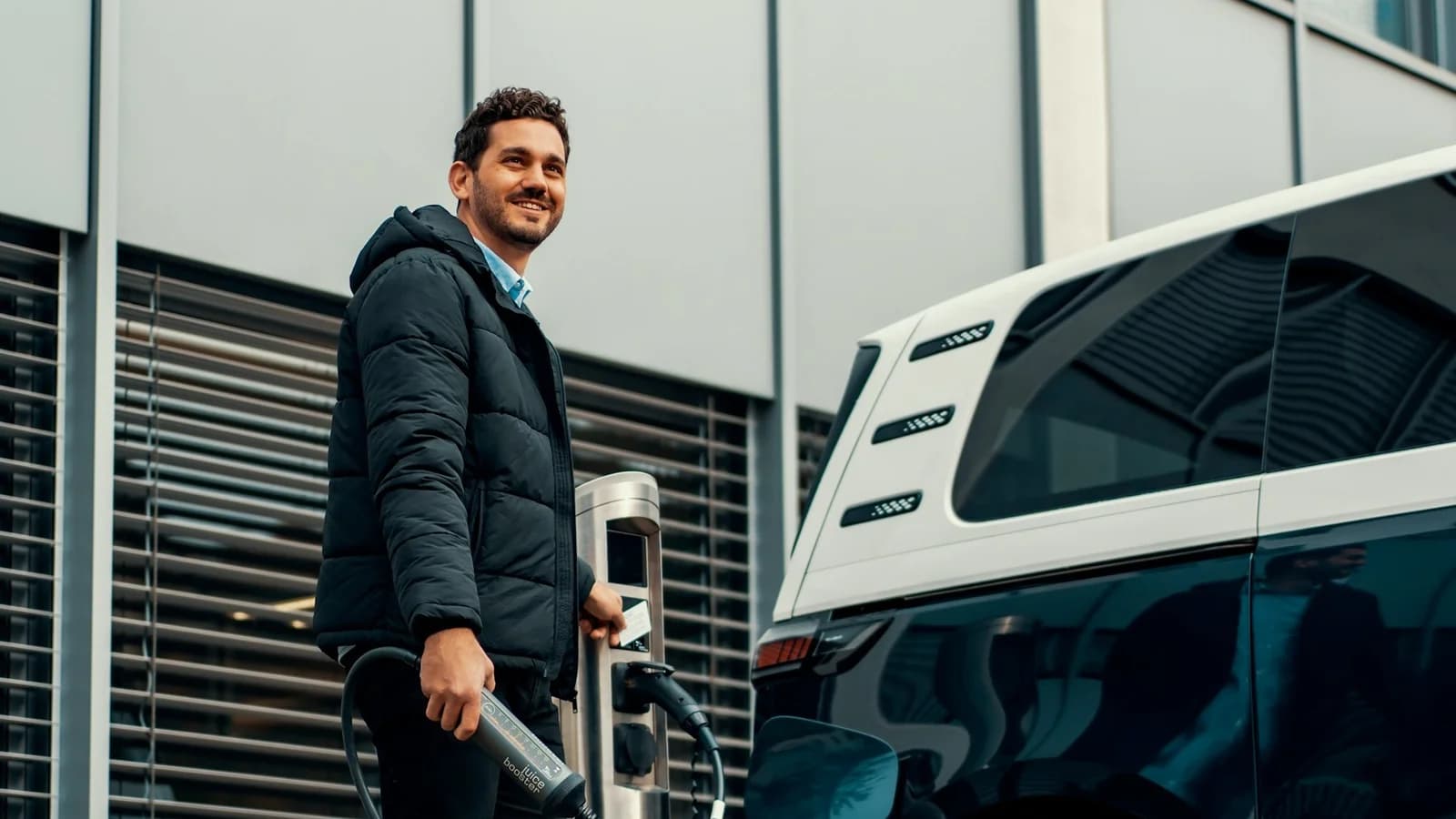
A driver using charging equipment beside an electric car at a public station.Charging Basics

What to Do If a Charger Is Broken

A field guide for failed charging stops: quick fixes worth trying, how to report broken chargers, and how to plan so one dead station never strands you.

Read guide
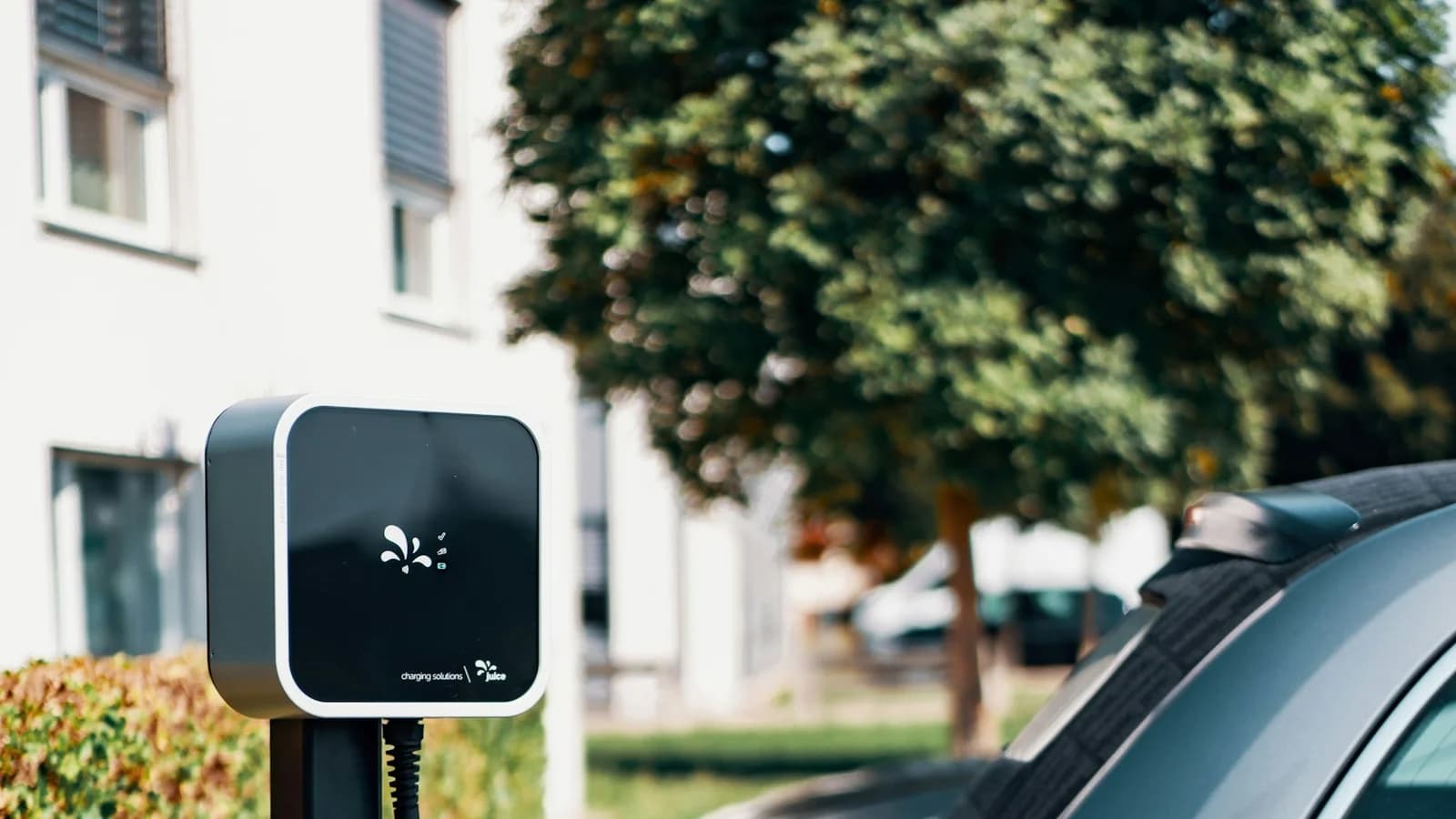
A charging pedestal and parked electric car outside a residential building.Charging Basics

EV Charging at Apartments and Condos

How to own an EV without a garage: building charging strategies, talking to landlords and HOAs, right-to-charge laws, and public charging routines that work.

Read guide
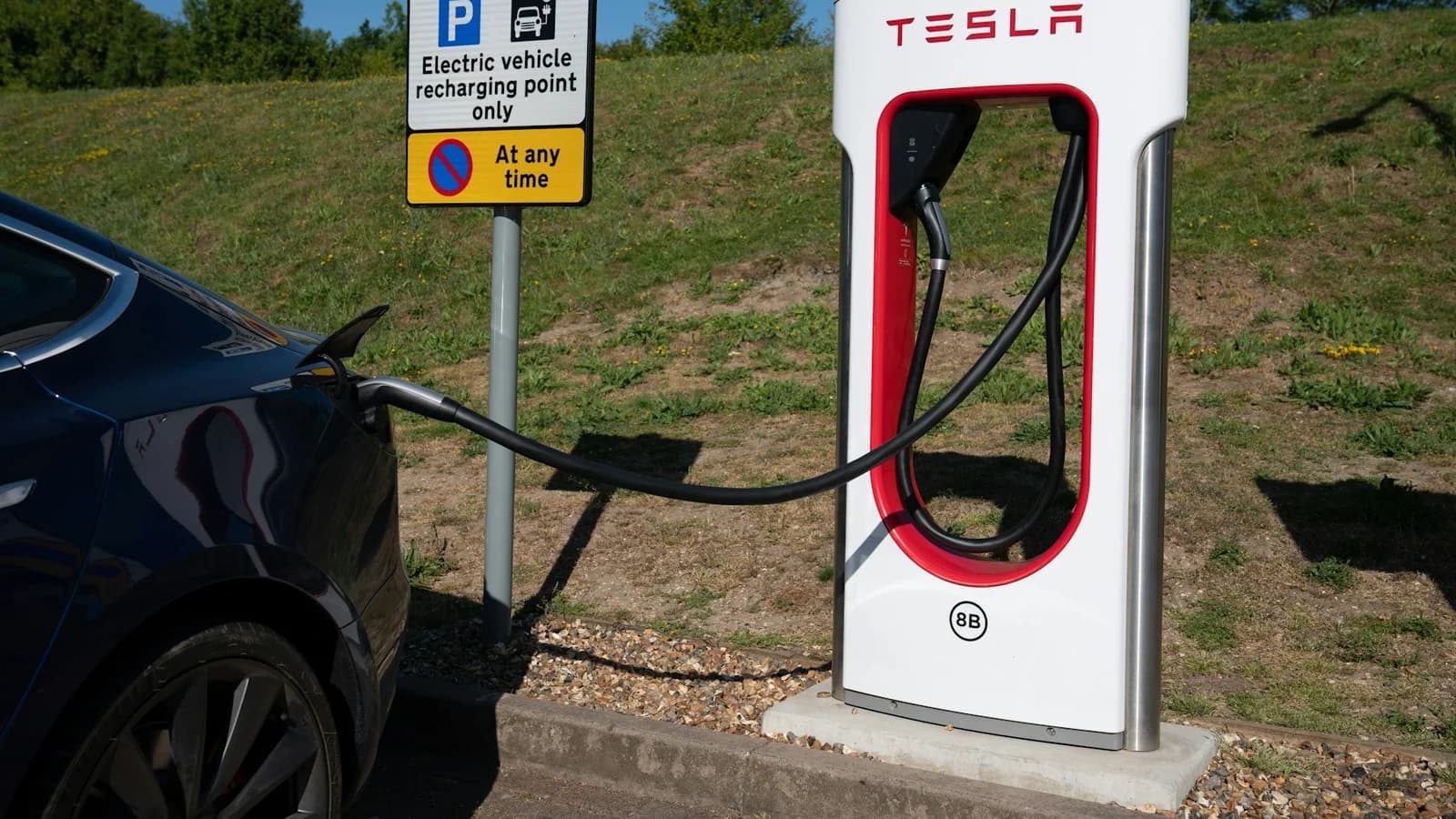
A Tesla connected to a Supercharger beside an EV charging bay sign.Charging Basics

Level 1 vs Level 2 vs DC Fast Charging

What EV charging levels actually mean in hours and miles: when a wall outlet is enough, when to install Level 2, and how to use DC fast charging well.

Read guide